🎤 AI-Powered
Just speak it,
Vossa tracks it
"I spent 45 dollars at Whole Foods"
That's all you need to say. AI does the rest.
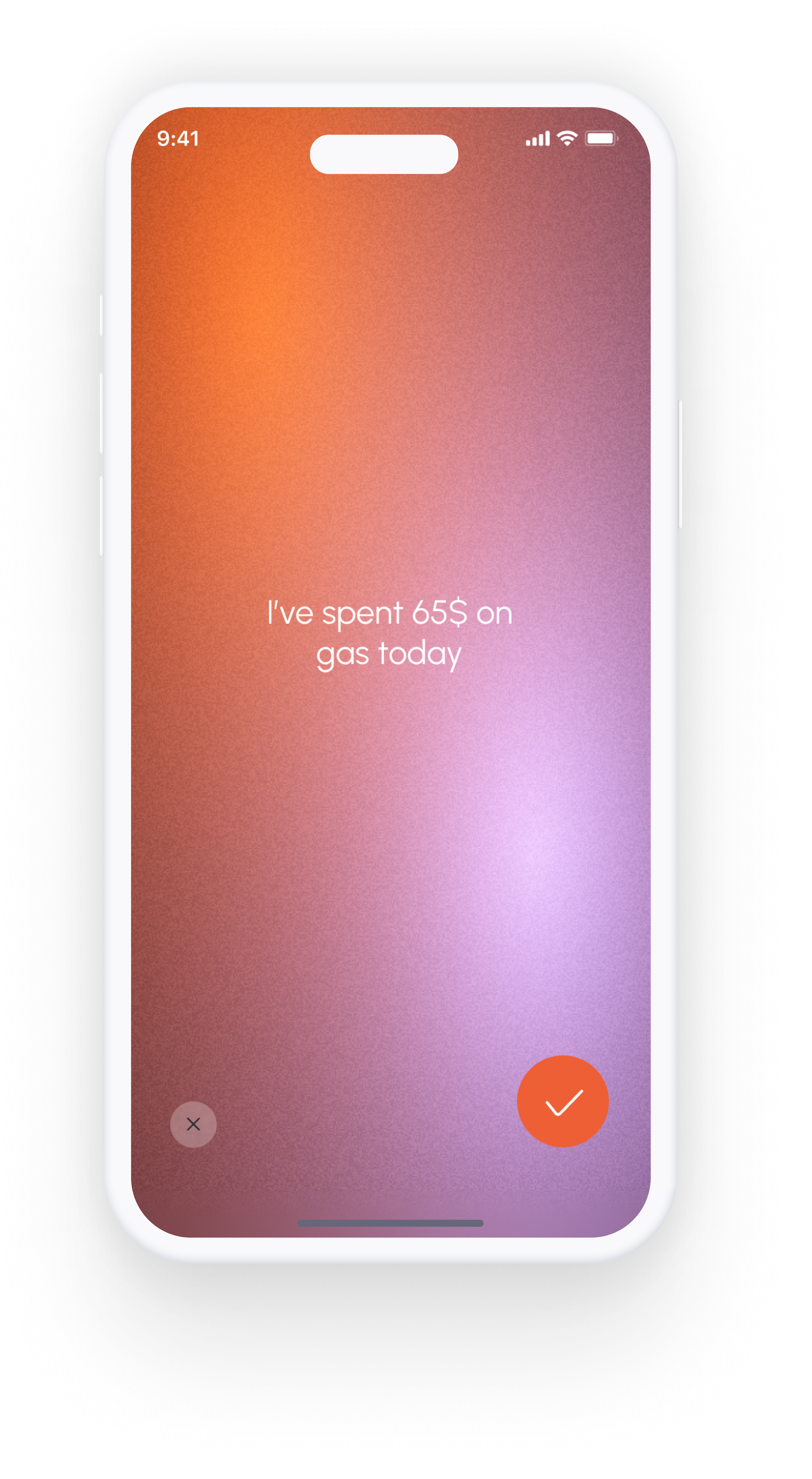
"I spent 45 dollars at Whole Foods"
That's all you need to say. AI does the rest.
Speak naturally - AI understands the context
Hit the mic button and say your expense naturally
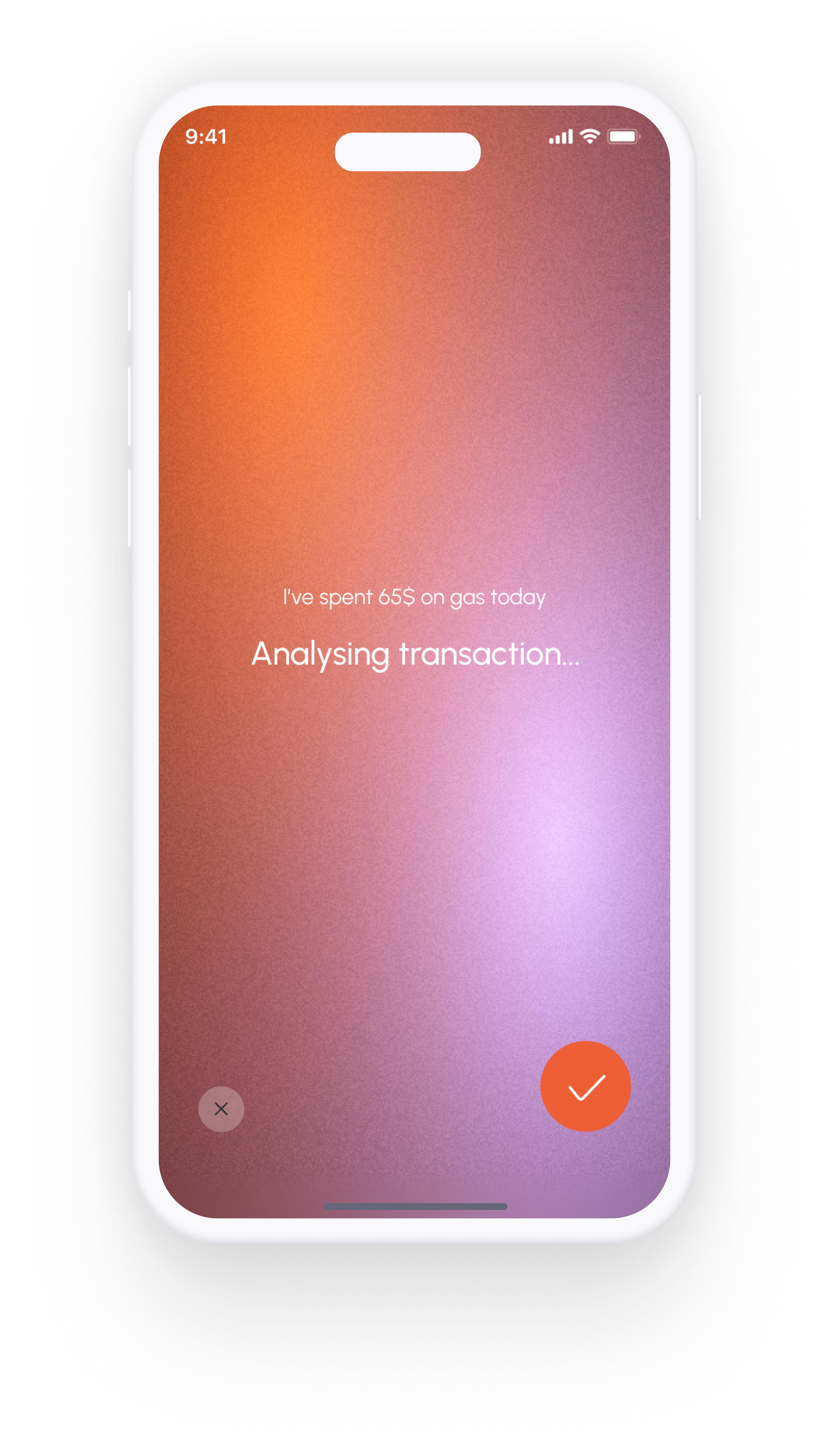
Vossa extracts amount, merchant, and category from your speech
Your expense is logged and categorized instantly
You don't need to memorize commands or formats. Just talk like you normally would. Vossa understands context and figures out what you mean.
Vossa listens for the amount, merchant name, and type of expense. It automatically assigns the right category and adds it to your budget.
Driving? Walking? Carrying groceries? Voice input lets you track expenses without touching your phone. Log it right when it happens.
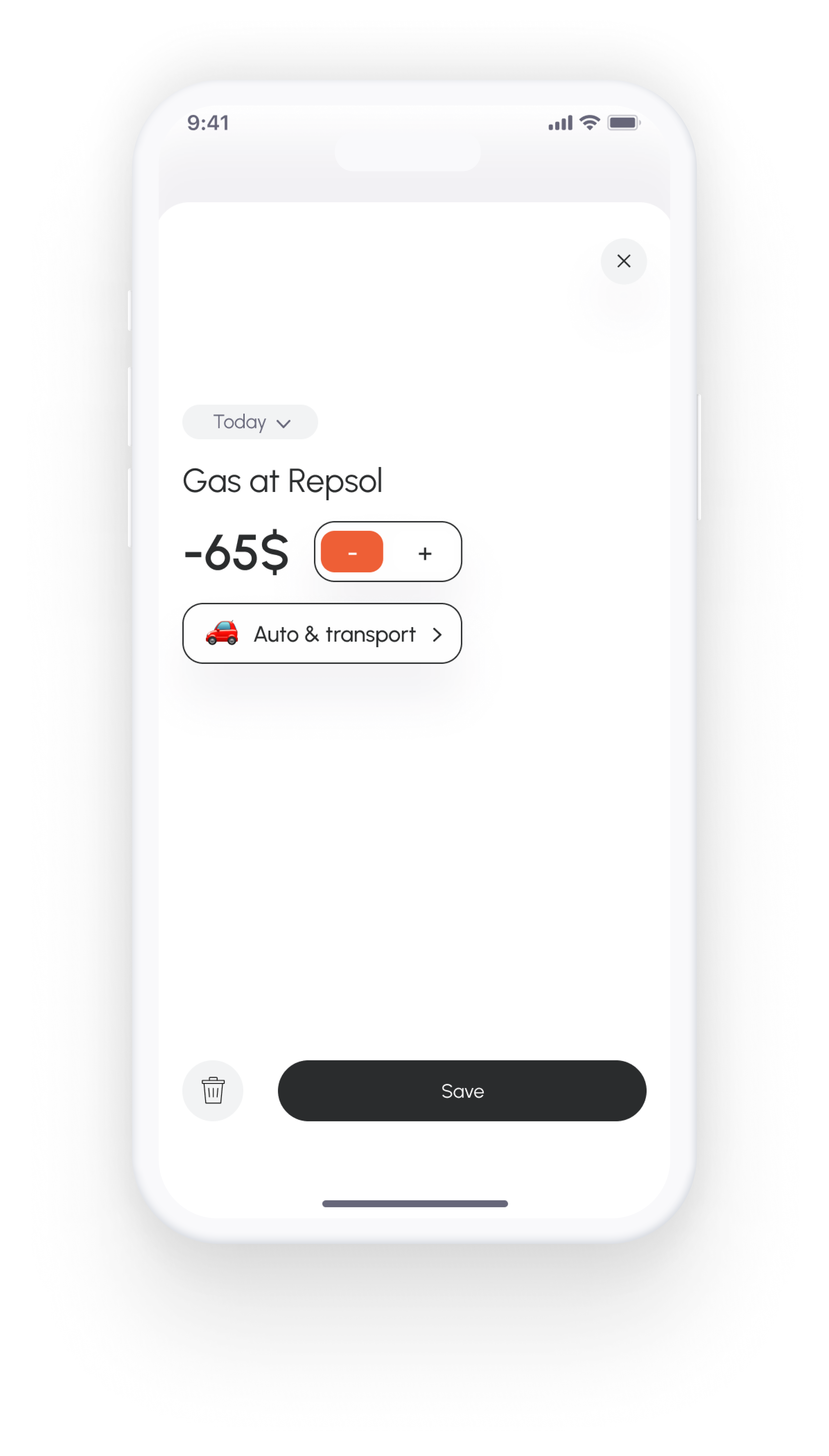
Vossa understands casual speech - just talk normally
"Five dollar coffee at Starbucks this morning"
"Dinner at Olive Garden, 75 bucks including tip"
"Target run, spent about 120 on groceries"
"Filled up gas for 60 dollars at Shell"
"Uber ride home was 18 dollars"
"Two movie tickets, 30 dollars at AMC"
The fastest way to track expenses
10x faster than manual typing
Completely hands-free and convenient
Track expenses right when they happen
Works in multiple languages
Simply tap the microphone button and say your expense naturally. AI understands context and extracts the amount, merchant, and category from your speech automatically.
Vossa supports multiple languages for voice input. You can speak naturally in your preferred language and the AI will understand and process your expense.
No. You can speak naturally without memorizing commands. Just say what you spent like "I spent 20 bucks at Starbucks" or "Had lunch for 35 dollars" and Vossa understands.
Download Vossa and try voice input today